Managing performance marketing campaigns includes several elements. From setting up campaign objectives and tracking methods to ensuring conversion data reaches the right advertising platforms. As the campaigns grow, it is important to have the right tools at hand to ensure that these processes are simpler to manage.
Trackier’s January updates focus on two crucial areas: campaign creation and Facebook CAPI integration.
Campaign creation gives teams control over campaign settings, target settings, and payouts. Facebook CAPI integration, on the other hand, enables server-side conversion event tracking.
Let us now understand what these capabilities are and how they support campaign management and performance measurement.
Simplifying Campaign Creation with Trackier
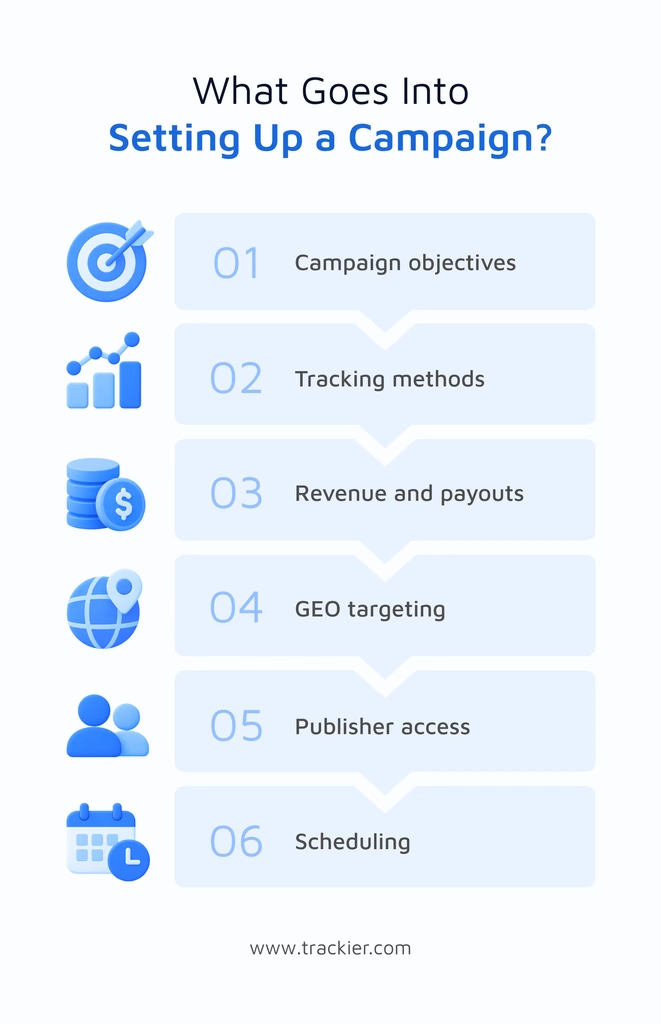
Setting up a campaign involves more than just adding an offer name and a tracking link. Campaign managers need to define how conversions will be recorded, which publishers can access the campaign, and how revenue and payouts will be calculated.
Trackier’s campaign creation workflow brings these settings together, giving teams greater control over how campaigns are optimized and configured before they go live.
Configure Campaign Objectives and Tracking Methods
Every campaign comes with its own subjective goal.
- One campaign could be focusing on generating leads
- Another might aim to drive sales, app installs, clicks, or impressions.
Trackier allows users to select the relevant campaign objective and configure the appropriate tracking method. Based on the campaign requirements, users can choose –
- Server-to-server (S2S) postbacks
- Image pixels
- iFrame pixels to record conversions
Campaign managers can also configure tracking URLs and click ID parameters to support conversion attribution.
Set Revenue, Payouts and Geo Tracking
Campaign performance also depends on how revenue and publisher payouts are structured.
- Trackier allows users to define campaign revenue, partner payouts, and the applicable currency.
- They can also specify GEO coverage to determine which locations are eligible for the campaign.
These settings help campaign managers establish commercial terms and targeting requirements upfront, making it easier to manage campaigns across different markets.
Control Campaign Access and Scheduling
Campaigns may have different access requirements depending on the publishers involved and the campaign’s launch plan.
- Trackier supports public, permission-based, and private campaign visibility options.
- Users can also configure campaign status, start and end dates, and other scheduling and targeting parameters.
These controls help teams manage campaign availability and ensure that the right publishers have access to the appropriate offers.
Facebook CAPI Integration for Better Conversion Tracking
Browser-based tracking has traditionally helped advertisers measure actions that take place after users have interacted with their ads. However, ad blockers, browser privacy settings, and cookie restrictions can affect the collection of conversion events.
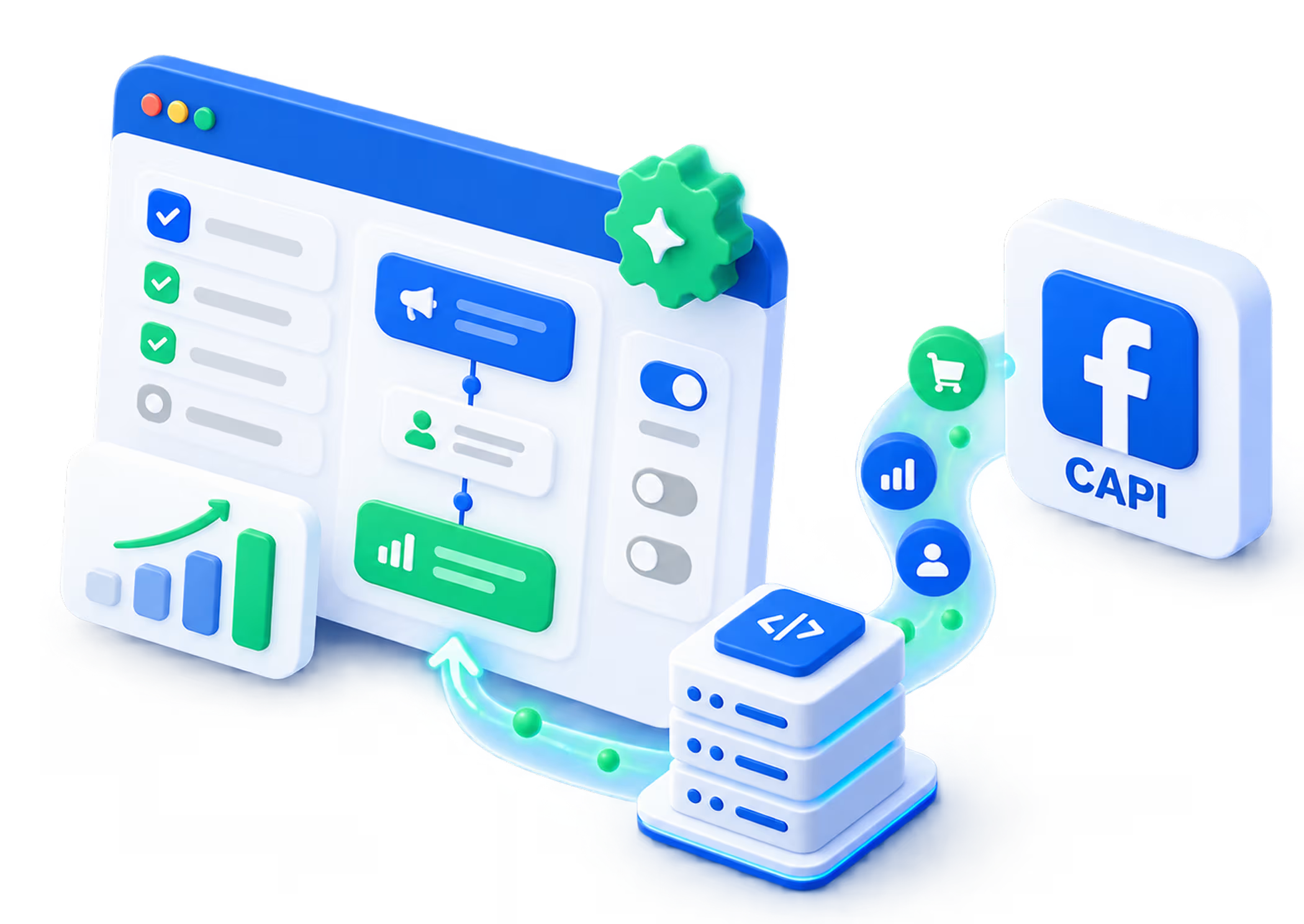
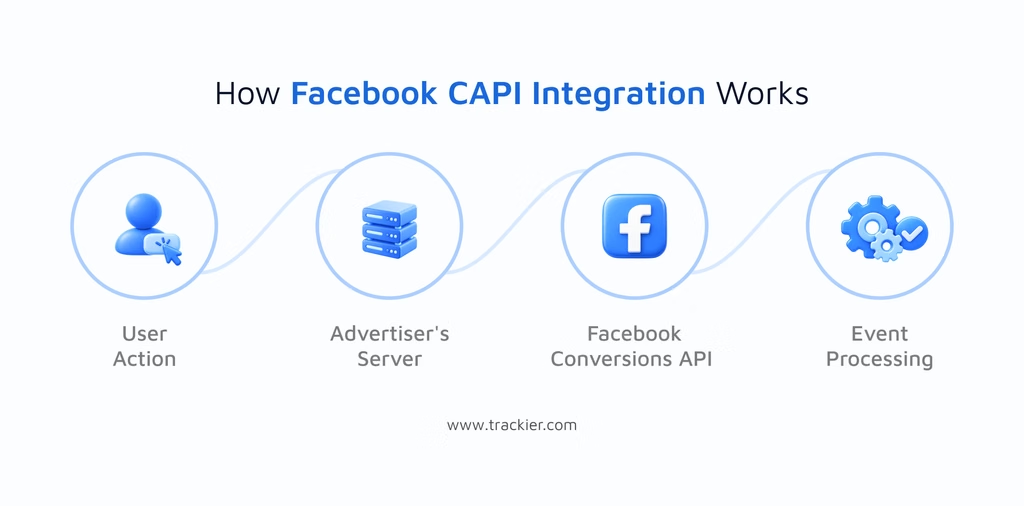
Facebook Conversions API (CAPI) offers an alternative way, as it allows businesses to send conversion events directly from their servers to Facebook. Trackier’s Facebook CAPI integration supports server-side event tracking. This helps advertisers share conversion signals with Facebook for campaign measurement and optimization.
Send Conversion Events Server-to-Server
While browser-based tracking depends on the activity that is recorded through a browser, CAPI sends events directly from a server to Facebook.
This provides an additional way to report actions such as purchases, registrations, and app installs. When browser-based tracking misses an event, server-side tracking may help capture it. This happens only when the event is available and the integration is configured correctly.
This can improve the availability of conversion signals used to assess campaign performance for advertisers.
Configure Facebook Events and Postbacks
Trackier allows users to connect their Facebook dataset using a Dataset ID and access token. Once the configuration is saved, users can set up Facebook postbacks to define which conversion events should be sent and when.
- The configuration includes options for selecting campaigns, conversion goals, event types, and the relevant Facebook event.
- Users can also pass additional event information, such as sale value and currency, where applicable.
Handle Duplicate Events More Effectively
When browser-based tracking and server-side tracking operate together, the same conversion may sometimes reach Facebook through multiple routes.
Trackier’s Facebook postback configuration includes an optional Facebook Event ID field that can help Facebook identify duplicate events. When the same event is received more than once with the appropriate matching identifiers, deduplication prevents it from being counted multiple times.
Bringing Campaign Setup and Conversion Tracking Together
Campaign configuration and conversion tracking are two connected parts of performance marketing. In order to function, teams must establish how a campaign should run. They should also ensure that the actions that have results can actually be measured.
With campaign creation capabilities and Facebook CAPI integration, Trackier supports both parts of this process. Campaign managers can define campaign objectives, tracking methods, targeting, and payouts, while advertisers can configure server-side conversion events to share relevant performance data with Facebook.