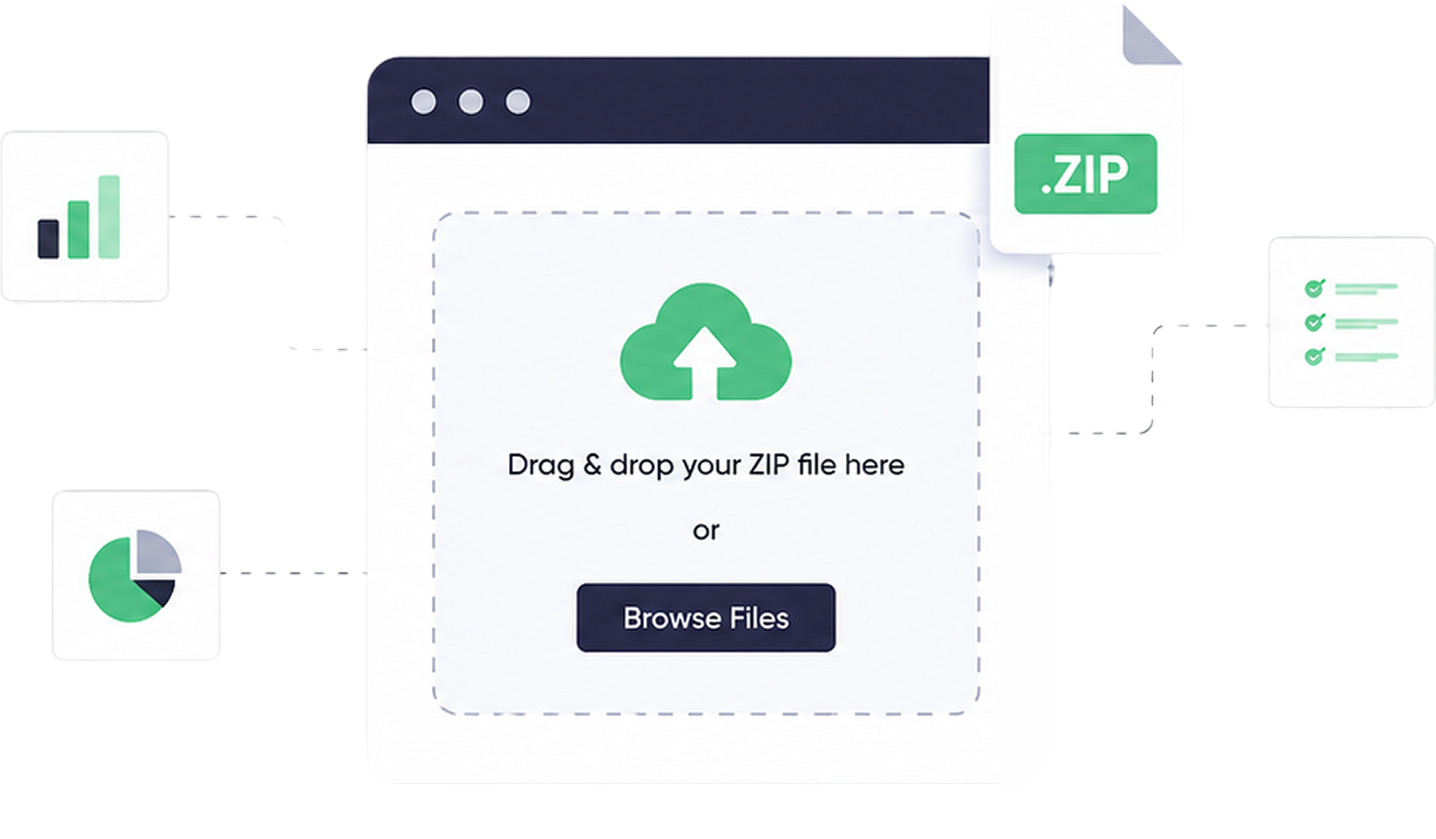
This month’s release adds ZIP file upload support for Publisher Custom Fields to help collect and maintain multiple documents during the publisher onboarding process and publisher profile management. It’s now possible for the publisher to upload ZIP files of up to 50MB directly from custom fields, instead of the user having to make various individual uploads.
What’s New?
Users are now able to upload ZIP files up to 50MB in size in Publisher Custom Fields for both onboarding and publisher profile workflows. This enables the publisher and internal teams to file multiple documents as a single file.
Previously, onboarding and document collection were slow, regardless of whether the documents were compliance, creative assets, or verification, because they had to be uploaded individually. It is made easier by using ZIP file support, which enables you to upload all the associated files in a single package.
Why This Matters
Publisher documentation is a very important aspect of establishing and sustaining successful partnerships. Delays and extra coordination between publishers and internal teams were often caused by multiple files.
This process is made much easier with ZIP file uploads. Users now have the option to upload a whole folder of related documents in one go (ZIP). This lessens effort, spares time, and makes certain that all the pertinent documents are in one location.
Key Benefits
- Faster Document Sharing: Load several files simultaneously without repeated movements.
- Improved Organization: Store related files together where they are easily managed and consulted.
- Smoother Onboarding: Minimize delays due to lost or incomplete documentation.
- Greater Flexibility: File support up to 50MB enables more comprehensive uploads, including high-quality assets and detailed reports.
Use Cases
- Publisher KYC document collection during onboarding
- Compliance and verification file submissions
- Sharing creative assets and campaign-related documents
- Updating existing publisher records with bulk documentation
- Managing multiple files in a single organized upload
How It Helps You
This is useful both during the initial onboarding of new publishers and when updating existing ones. It has become more efficient as teams can now collect, store, and access documents faster, which results in faster approvals and improved collaboration.
To publishers, it is a much smoother process, involving fewer steps, fewer requirements, and less time spent navigating file upload constraints.
In Summary
By integrating ZIP support within Publisher Custom Fields, teams can streamline handling of onboarding paperwork, minimize manual uploads, and maintain publisher records in a single location. This update makes it easier for publishers and internal teams to manage documents and enhance the overall onboarding experience.